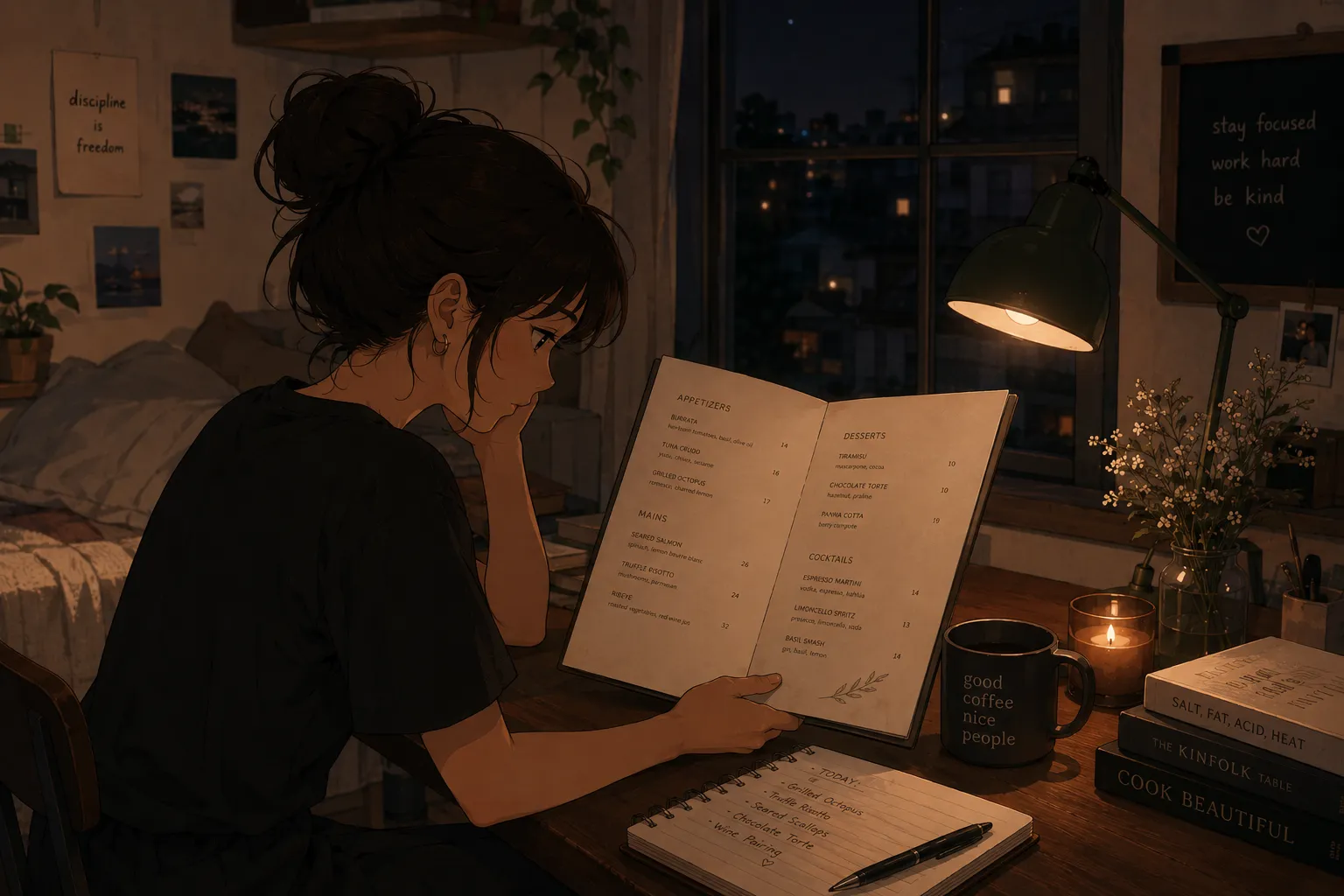
Snapping a picture of the cocktail list and getting flashcards out is exactly the right instinct, because the slow, quit-inducing part of studying a bar menu is typing every build by hand. An AI tool that reads the photo and builds the cards removes that step and takes you straight to the quiz. MenuFlashcards does this from a photo of the cocktail list. It is in early access on iPhone.
The full method is how to memorize a restaurant menu fast; this piece is about the photo-to-flashcard step for a bar.
How photo-to-flashcards works for a cocktail list
You photograph the list, the app reads the drink names and builds, and it creates a card per cocktail plus quiz questions. Instead of formatting cards, you spend your time being quizzed, the same idea as take a picture of any menu and turn it into a quiz and the app that reads a menu and quizzes you, applied to a bar.
Structure each card as a full build
| Card front | Card back (full build) |
|---|---|
| Old Fashioned | Bourbon, sugar, bitters, stirred, rocks, orange peel |
| Margarita | Tequila, lime, triple sec, shaken, salt rim |
| Negroni | Gin, Campari, sweet vermouth, equal parts, orange |
Quiz the build from the name, the way a guest orders. When your house list gives only a name with no spec, Difford’s Guide, the bartending world’s standard cocktail database, is the reference to fill in a classic’s canonical build before you card it.
Why the quiz is the point
A photo that just becomes text does not teach you anything; the learning is in the recall. A review of retrieval practice in the National Library of Medicine found that testing yourself produces stronger long-term retention than re-reading. So the value of turning the picture into flashcards is that it gets you to active recall fast, instead of leaving you with a list to re-read. This beats typing the list into a generic app, the slow route covered in a study app that does not make you type the menu out.
Space it and cover allergens
Space the sessions: research on the spacing effect shows short sessions over several days beat one long cram. And even behind a bar, allergens appear through garnishes, mixers, and syrups; in the United States the FDA recognizes nine major allergens, so know the few in your service and confirm when unsure, the habit from allergen flashcards for servers.
A fast plan
- Photograph the cocktail list and let the app build the deck.
- Quiz the most-ordered drinks first, full build from the name.
- Add glassware and garnish to each card.
- Run a quick allergen pass for mixers and garnishes.
- Space your sessions across the days before your shift.
Bottom line
Turning a picture of a cocktail list into flashcards works because it skips the typing and takes you to recall, which is what makes the builds stick. MenuFlashcards does it from a photo and quizzes you, and it is in early access, so join the list and start with the free deck when it opens.